
Prokta for Rentals
Rental damage, proven in seconds.
Sealed before and after photos at every check-out and check-in. AI spots what changed, a human confirms it, and you settle deposits and disputes with evidence instead of arguments.
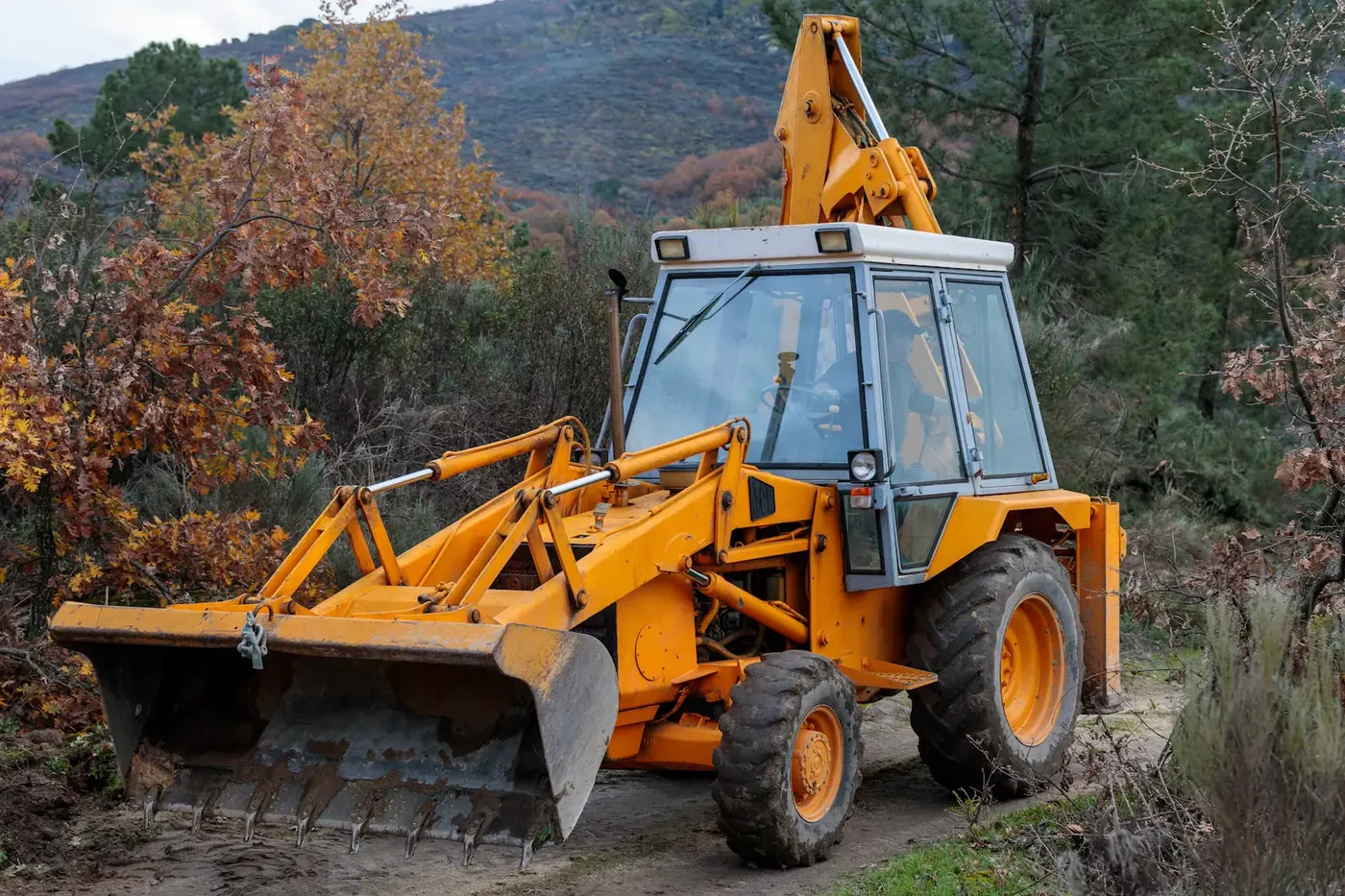
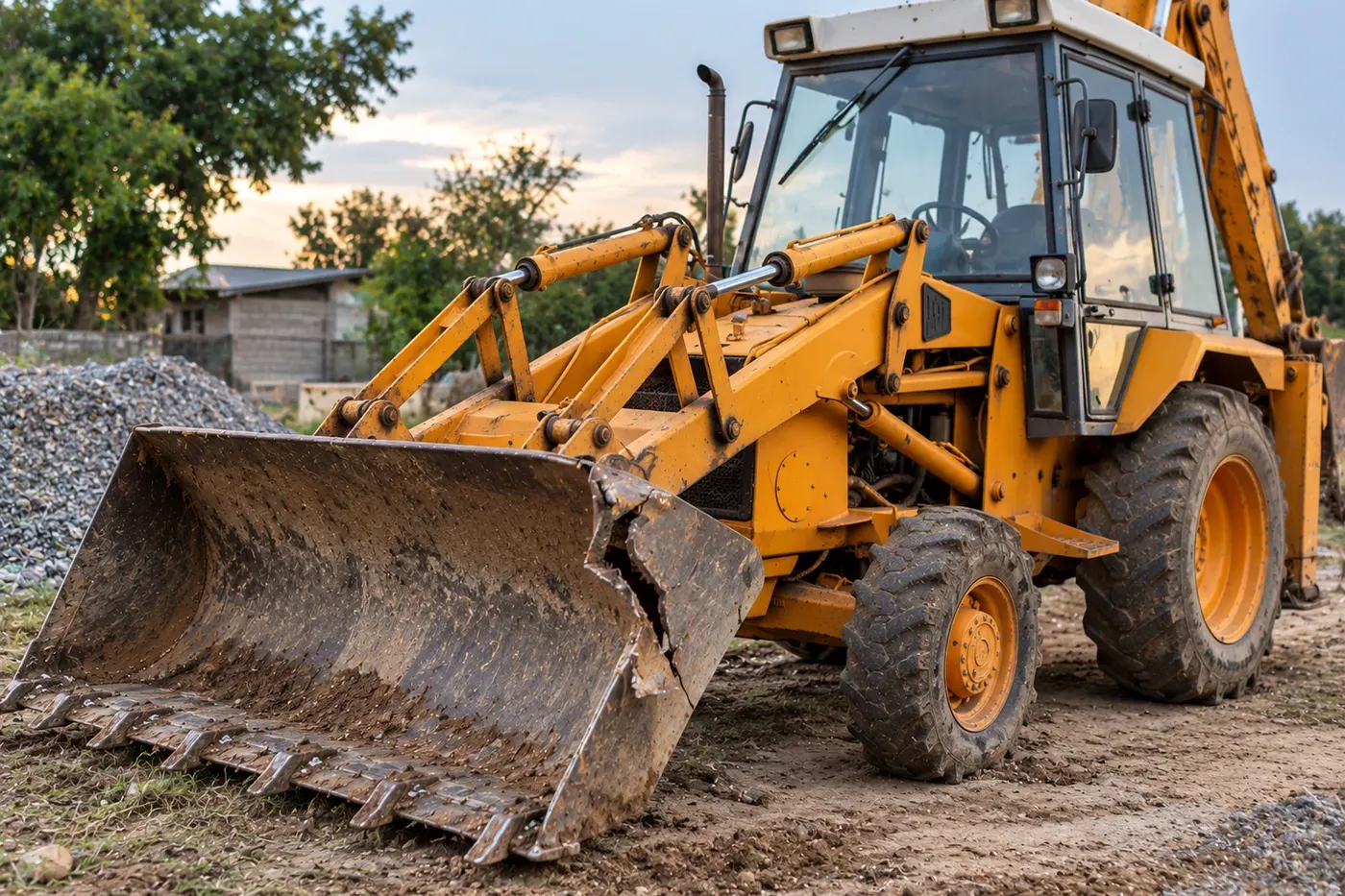
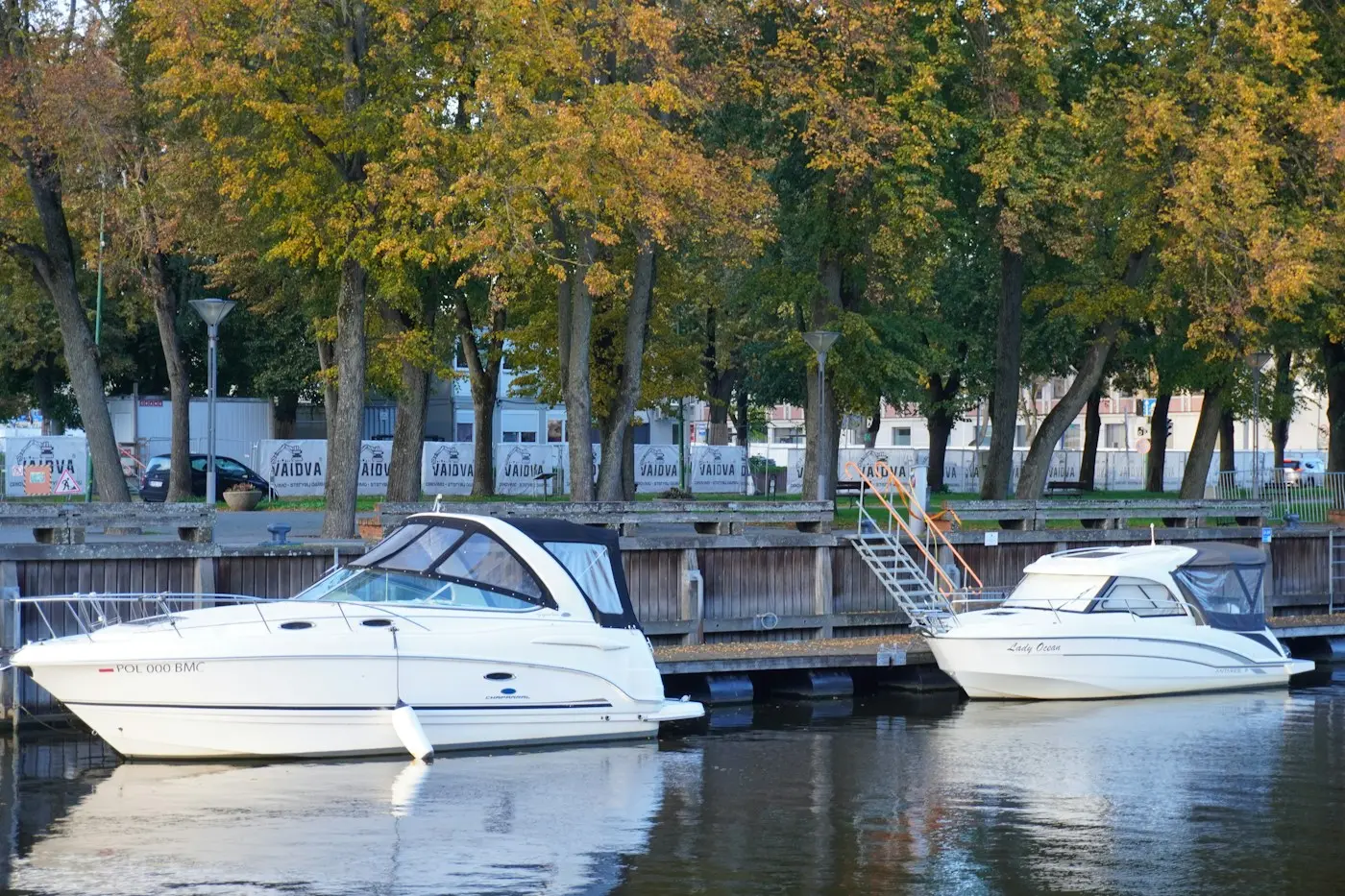
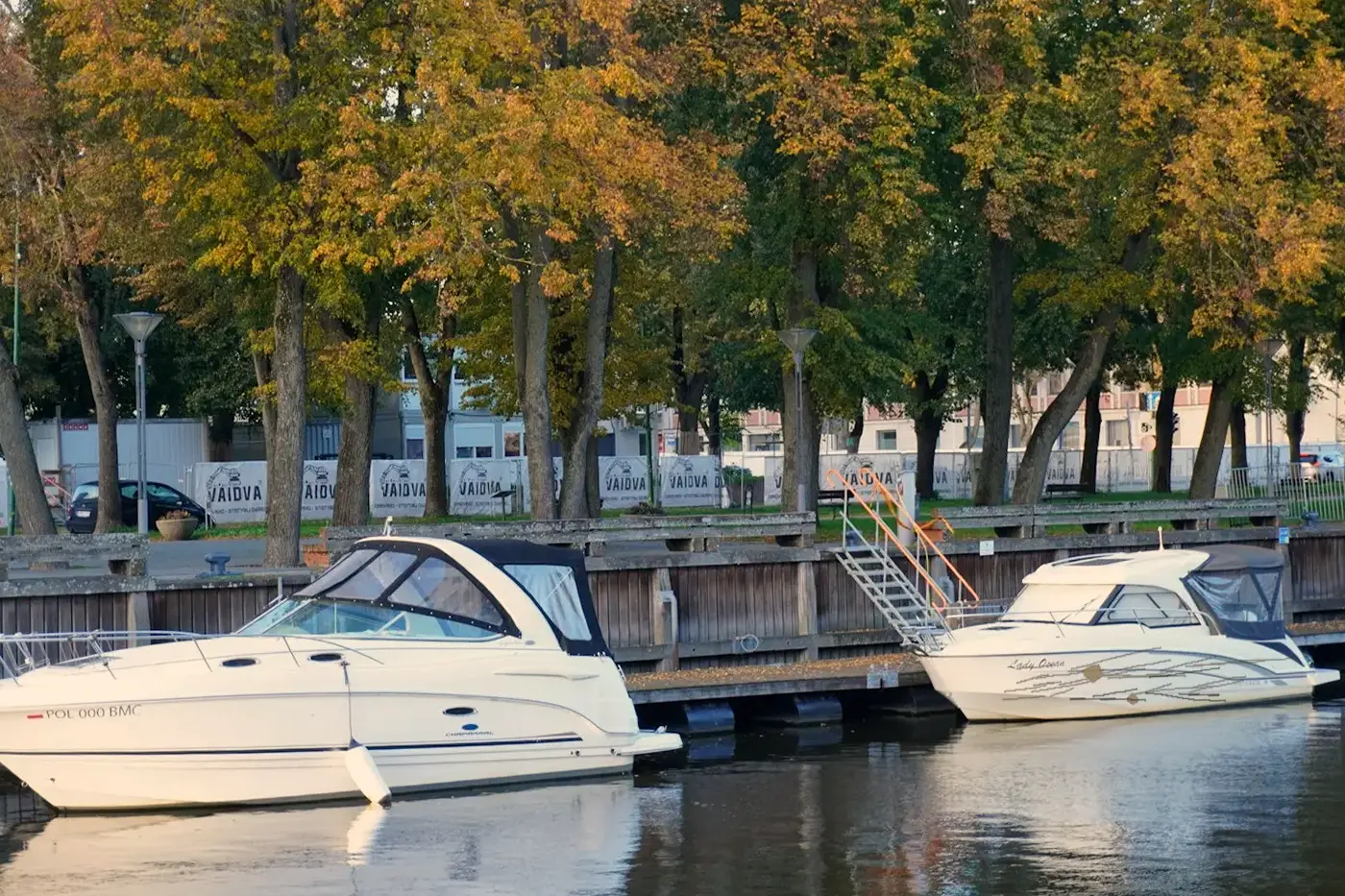
Time, GPS and device sealed on every photo, so the starting condition can't be argued.
Check-in photos are matched to check-out, even from another angle or in different light.
Your team approves every charge before the renter is billed.
Cars, taxis and fleets, boats, vacation homes and heavy equipment.
"It was already like that." Every rental business has heard it.
Without proof of the starting condition, damage turns into a he-said, she-said, and the business usually loses.
Deposit disputes
Renters push back on every deduction. Staff spend hours arguing over blurry phone photos.
Chargebacks
Damage charges get reversed by the card issuer when you can't show clear, dated evidence.
Slow, manual check-ins
Walkarounds with a clipboard are slow at busy returns, and small damage gets missed.
Unclaimed damage
When evidence is weak, teams write damage off rather than fight, and repair costs eat the margin.
One platform for anything you rent out
Rental check-in and check-out inspection for cars, SUVs and vans, taxi and ride-hail fleets, rental and subscription car fleets, boats and jet skis, vacation homes and short-term rentals, heavy equipment and machinery, and motorcycles and scooters. Each category gets its own capture guide and damage model.
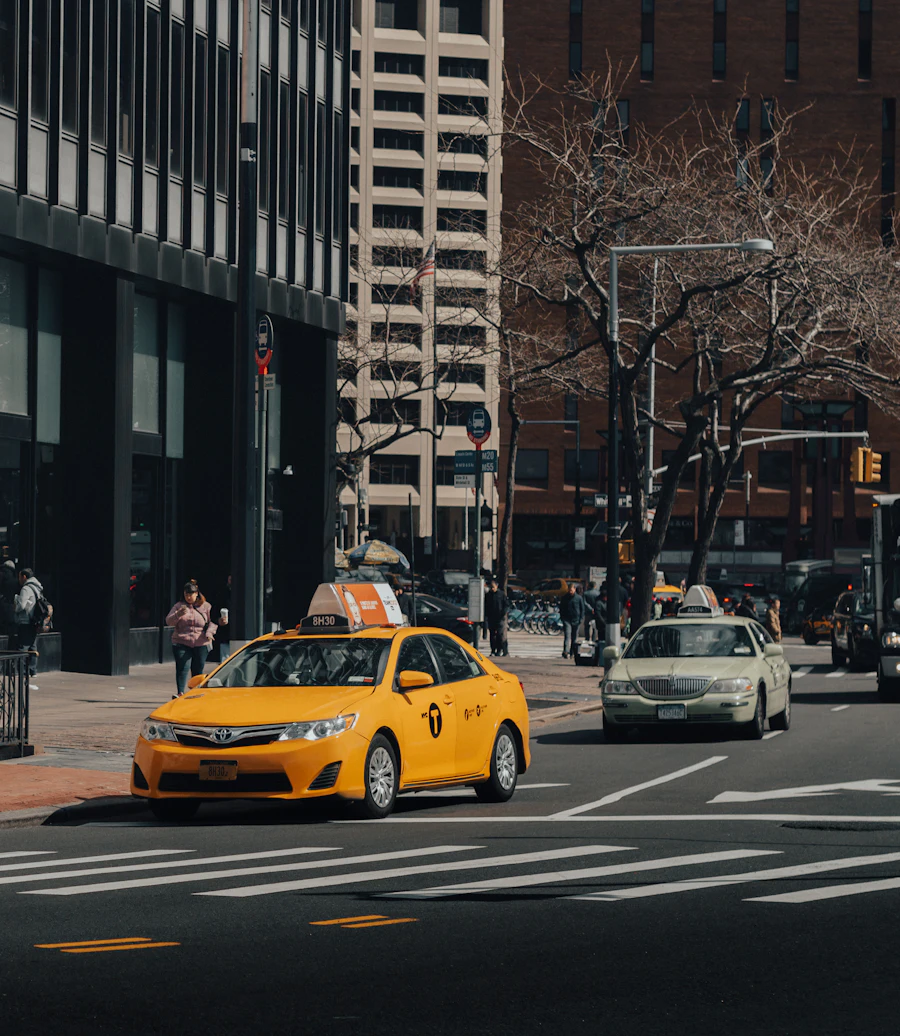


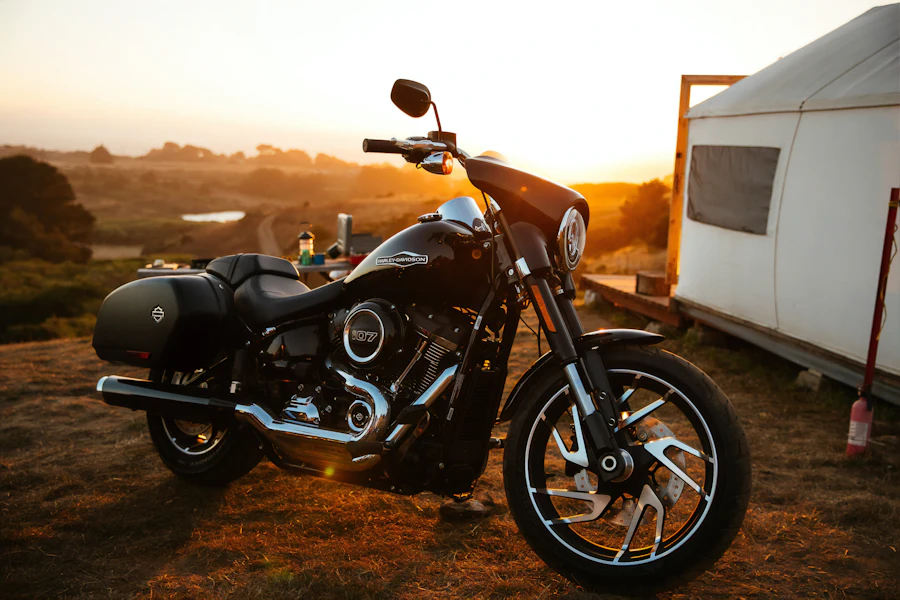
RVs and campers, trucks and trailers, cranes and aerial lifts, generators and anything else you hand over.
Two captures, one comparison, zero arguments
The same guided angles at check-out and check-in make it easy for AI to line up the photos and spot what changed. Your team only reviews what matters.
Check-out capture
Staff or the renter capture guided angles at handover. Every photo is sealed with time, GPS and device.
Staff or renterRenter acknowledges
The renter gets a link to the sealed condition report and confirms it before leaving.
RenterCheck-in capture
The same angles are captured on return. The app guides each shot to match the check-out photo.
Staff or renterAI comparison
Photos are aligned even when the angle, distance or light differ. New damage is marked, with severity and a repair estimate.
AIReview & settle
Your team confirms the damage, charges the deposit or opens a claim, with evidence attached.
Human in the loopSee exactly what changed during the rental
The sealed check-out photo sits next to the check-in photo. Real check-ins are never taken from the exact same spot or in the same light, so the AI aligns the two photos first, then marks only the damage that wasn't there before.


Some damage in the examples on this page is simulated for illustration.
Settle damage disputes in minutes, not weeks
When a renter disagrees, both sides see the same sealed photos. Most disputes end the moment the check-out photo is on the screen.
- Shared evidence link so the renter sees exactly what you see.
- Side-by-side comparison of check-out and check-in, with the damage marked.
- Tamper-evident seal proving the photos weren't edited or swapped.
- Renter can accept or respond in the same thread, with a full audit trail.
Backhoe loader · 7-day rental
The bucket was already damaged when we picked it up.
Sealed · GPS ✓
Sealed · GPS ✓
Bucket tear not present at check-out · 94% confidence
Bucket repair of $1,200 deducted from the $2,500 deposit. Remaining $1,300 released.
Okay, I see it now. Accepted.
One evidence pack for every claim you need to make
Export a complete, tamper-evident evidence pack for whoever needs it: your damage-waiver insurer, a card network chargeback, or small claims court.
RT-2291 · Backhoe loader
- Rental agreement & renter IDATTACHED
- Check-out photos (24) · sealedATTACHED
- Check-in photos (24) · sealedATTACHED
- AI damage comparisonATTACHED
- Repair quote & invoiceATTACHED
- Renter acknowledgement & messagesATTACHED
- Audit trail & photo hashesATTACHED
Damage-waiver & insurance claims
Send the pack to your insurer or damage-waiver provider, with everything a claims adjuster asks for.
Chargeback responses
Answer card disputes with dated, sealed proof of condition and the renter's own acknowledgement.
Deposit deductions
Show the renter exactly why money was kept, which cuts complaints and bad reviews.
Small claims & collections
A clean, chronological record that's easy for a third party to follow.
A different flow for every category, set up without code
A boat needs engine hours and fuel level. A vacation home needs a room-by-room walkthrough. Build each category's capture steps, AI checks and approval rules in one visual builder.
Templates per category
Shots, angles, readings and checklists for each thing you rent, from a compact car to a backhoe.
Rules & deposits
Auto-release deposits when nothing changed. Route anything above your threshold to a person.
Who captures
Staff at the counter, the renter via a link, or both. Set it per category and per location.
Multi-location
Same standards across every branch, with flows you can tweak per site.
Integrations
Trigger from your booking system and push results back by API and webhook.
Languages
Guided capture instructions in the renter's own language.
Questions rental teams ask us
Who takes the photos, our staff or the renter?
Either, or both. Staff can capture at the counter, or renters can do it themselves from a link for self-service and remote handovers. You choose per category and per location.
How does the AI tell new damage from old damage?
Every check-in photo is matched to the sealed check-out photo from the same angle. The AI only flags differences, so wear and damage that existed before the rental are left out. A person on your team confirms every charge.
What if check-in photos are taken from a different angle or in different light?
That's normal, and it's handled. Guided capture shows a faint overlay of the check-out photo so the shot is roughly lined up. The AI then aligns the two photos, corrects for lighting and white balance, and matches the item itself, so a different background, distance or time of day doesn't matter. If a photo can't be matched confidently, it asks for a retake.
Can it tell dirt from actual damage?
Yes. The models separate surface dirt, mud, dust and water marks from real damage such as scratches, dents, cracks, tears and stains. When they're not sure, they ask for a close-up or route the case to your team.
Will this help us win chargebacks?
The evidence pack gives you dated, sealed photos of the condition before and after, plus the renter's acknowledgement and messages. That's the kind of evidence card issuers ask for in damage-related disputes.
Can we run different flows for different categories?
Yes. The visual builder lets you set capture steps, AI checks and approval rules per category, so cars, boats, homes and heavy equipment each follow their own process.
Does it work with our booking system?
Inspections can be triggered from your booking system or marketplace by API, and results come back by webhook. For a pilot, you can also start with standalone links and a dashboard, with no integration.
Stop losing money to rental damage disputes
Run a 2-week pilot on one category or location. We'll set it up and show you the disputes avoided and the damage recovered.